
Computer-to-Screen Workflow: Frame, Artwork and Exposure
Prepare a computer-to-screen trial with a practical frame, artwork and emulsion checklist, then assess exposure, washing and the first printed proof.
AI-assisted editorial content, grounded in APL’s published product information. Confirm current specifications, suitability and supplied configuration with APL.
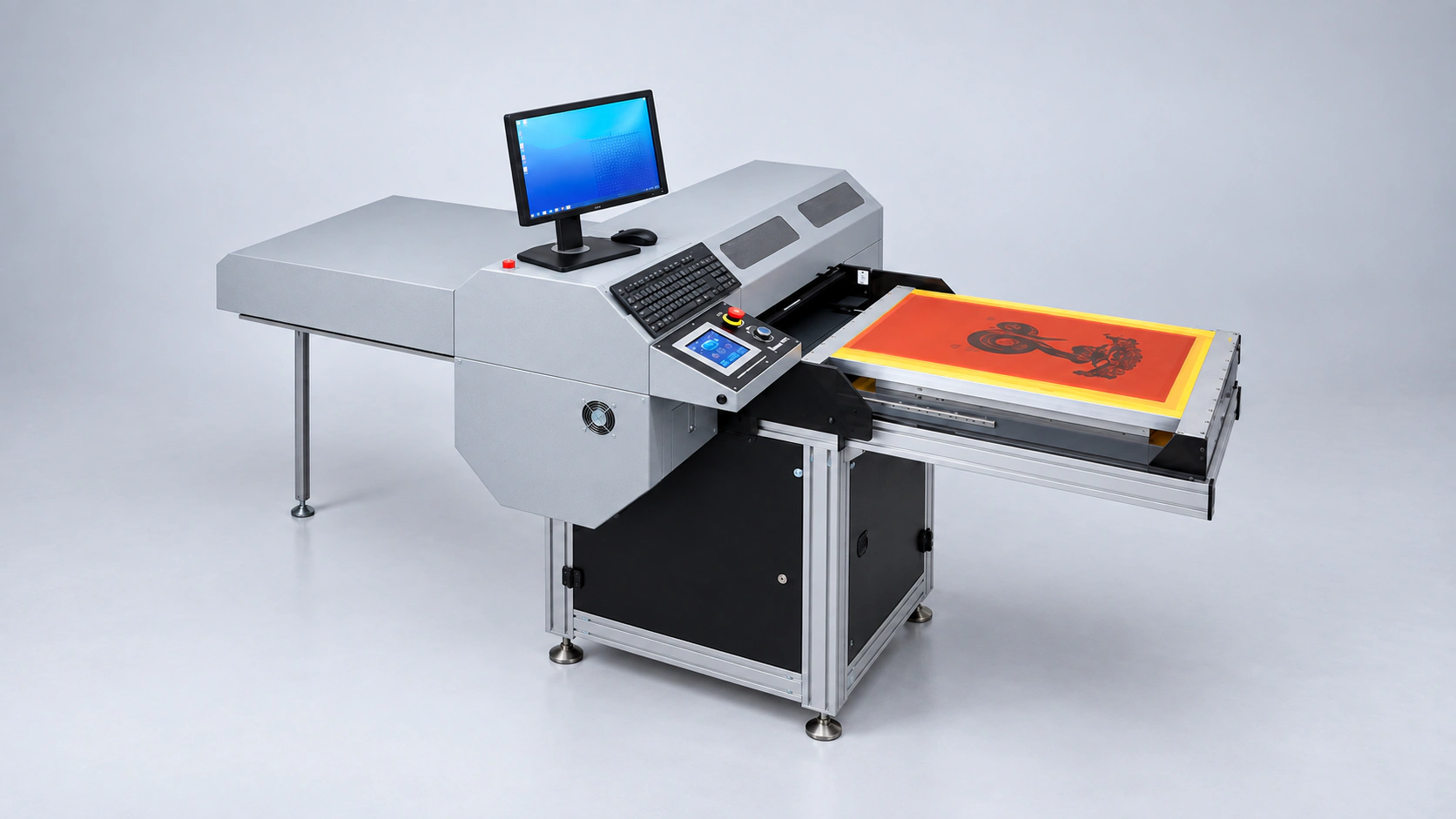
A computer-to-screen workflow connects the approved design file to the screen that will run on press. A successful evaluation therefore needs more than an attractive image on a monitor: the frame, emulsion, exposure sequence, washing stage and first printed proof all need a place in the trial.
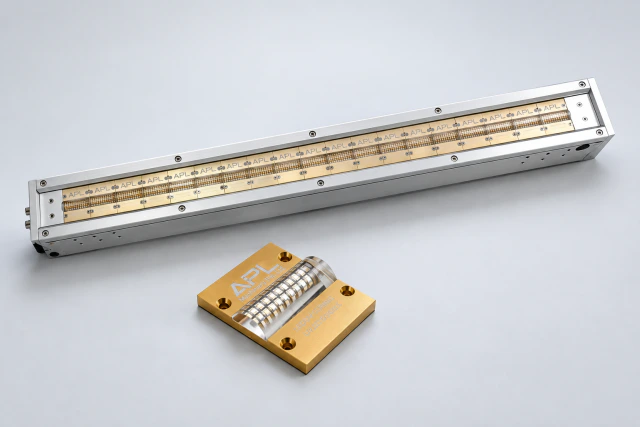
APL describes its Computer-to-Screen Machine as applying the design directly to an emulsion-coated screen, with UV LED exposure followed by washing. Use the preparation guide below to define the inputs and the result your screen room needs.
Map the workflow before choosing the configuration
Use this sequence as an evaluation map. Confirm which operations the proposed equipment performs and which remain separate screen-room tasks.
- Approve the artwork: identify the correct file, revision, scale and image position.
- Prepare the screen: identify the frame, mesh and emulsion process used for the intended job.
- Image and expose: agree the configuration and exposure requirements with APL and the emulsion supplier.
- Wash and inspect: check the resulting stencil against the agreed artwork and requirements.
- Print a proof: assess the prepared screen on the intended printing process.
This map assigns an acceptance check to each handoff. It does not prescribe machine settings or imply that every step is automated.
Bring the actual frame and screen information
Record the outer frame dimensions, frame profile and usable image area. Supply both dimensions and units; a nominal frame size alone can leave the available printing area unclear. Show how the screen is positioned on the existing press and how operators handle it between preparation stages.
Include the mesh specification and the screen condition expected before imaging. If your department uses several frame types, nominate a representative set for evaluation. Ask APL to confirm clearance, holding and positioning for each type rather than assuming that one successful demonstration covers the entire screen inventory.
Make an artwork test file with a clear acceptance brief
Choose a real production design and keep its approved revision identifiable. Mark the required image size, orientation and registration references. Ask which file formats and software steps are supported by the supplied configuration; do not infer these from the name computer-to-screen.
Build the test around details that matter to your jobs:
- Fine lines and small lettering that must remain legible in the final print.
- Large filled areas and edges that are important to the design.
- Halftones or other tonal details, where they belong to the actual artwork.
- Registration marks and image positions used during press setup.
- Repeat jobs for which file retrieval and revision control need checking.
Agree how the output will be compared with the approved file and printed reference. Avoid evaluating only a supplier demonstration image that omits the difficult features of your own work.
Keep emulsion and exposure requirements together
Identify the emulsion product and the preparation method used for the trial screen. Bring the supplier's technical guidance and ask APL to confirm the proposed imaging and exposure arrangement with that material. Record the agreed process so that trial results remain traceable.
Do not choose a universal exposure time from a general article or another shop's job. The purpose here is to prepare an application assessment. The equipment and emulsion suppliers should establish the appropriate procedure and acceptance checks for the specific combination.
Include washing and screen-room support
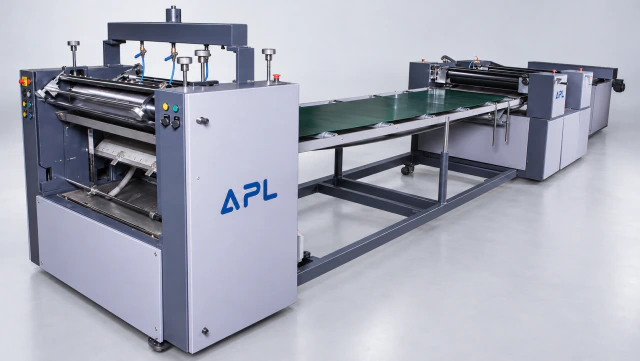
APL places washing after exposure in the published computer-to-screen process. Confirm the screen format, available utilities and handling at that stage. The APL Screen Washing Unit is a dedicated support machine; discuss its fit to your actual frames and workflow.
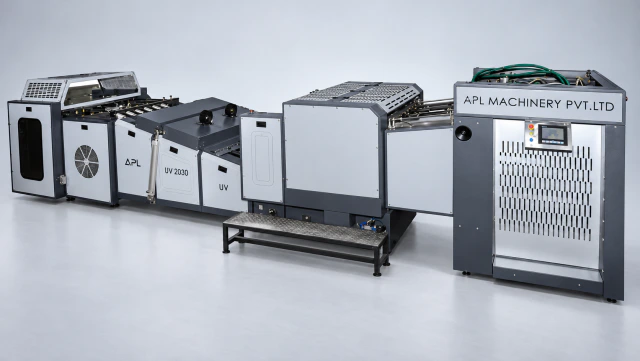
The Screen Exposure 5-in-1 combines exposure, drying, inspection, emulsion coating and mechanical stretching. Review those functions when mapping the department. Confirm what your existing equipment already provides and what the proposed installation includes; the product descriptions alone do not establish an interchangeable or fully integrated arrangement.
Evaluate the prepared screen through a printed proof
Keep one trial record linking the artwork revision, frame, mesh, emulsion and process used. Inspect the stencil after preparation, then make a proof using the intended printing application. Agree in advance which design features, registration observations and print results will determine acceptance.
Record the complete elapsed workflow, including file preparation, screen handling, inspection and any rework. If a problem appears, retain the sample and the stage at which it was first seen. Change one documented condition at a time during further evaluation so the result can be understood and repeated.
Questions screen rooms often ask
Does direct imaging remove the washing stage?
APL's published workflow includes washing after exposure. Confirm the complete sequence for the proposed installation.
Can I keep using every existing frame?
That requires a check of actual frame dimensions, profiles, image area and positioning. Include representative frames in the assessment.
Is a prepared stencil enough to approve the purchase?
Include a printed proof when the decision depends on the final print. Agree the trial scope and acceptance requirements before testing.
Prepare a focused screen-room enquiry
Explore APL screen-printing technologies, then discuss your computer-to-screen application. Share frame information, the artwork test file, emulsion details and the intended print result so APL can confirm the configuration and trial scope.
Sources and further reading
- APL: Computer-to-Screen Machine
- APL: Screen Exposure 5-in-1
- APL: Screen Washing Unit
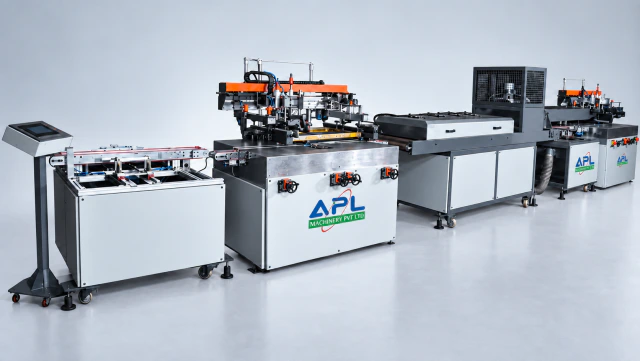
- APL: Screen Printing Technologies
These sources support the product information in this guide. APL assesses the final application, samples and configuration during a technical discussion.