QuantumJet Enquiry: Web Width, Print Width and Inline Requirements
Prepare a clear QuantumJet enquiry with a material and artwork worksheet that separates web width, printable area, roll details and required inline processes.
AI-assisted editorial content, grounded in APL’s published product information. Confirm current specifications, suitability and supplied configuration with APL.
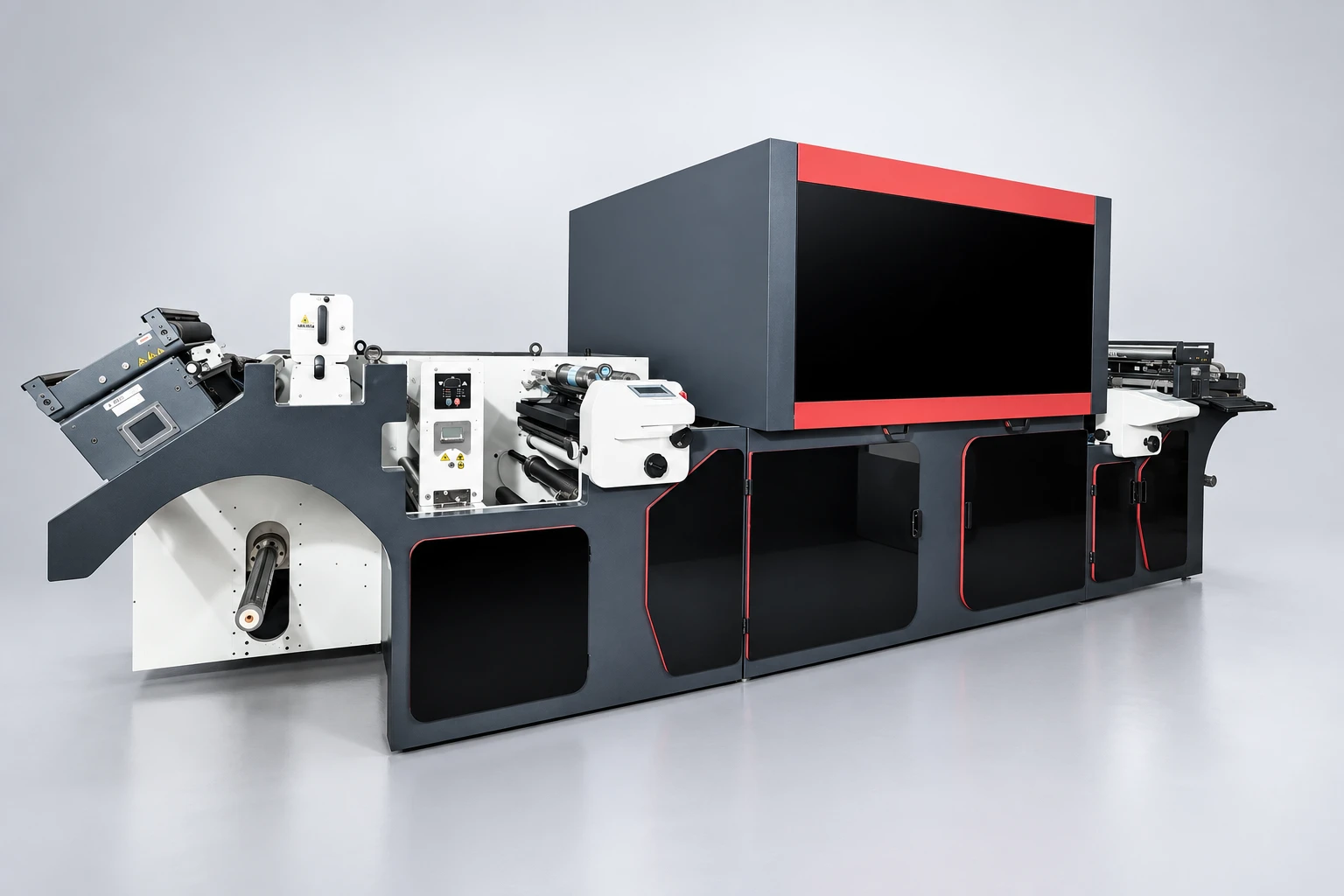
A useful single pass digital printer enquiry connects three things: the material travelling through the machine, the artwork that must fit on it and the processes needed before delivery. A finished label size alone leaves important questions unanswered. So does a roll width without an annotated print layout.
This worksheet helps you prepare a focused enquiry for APL QuantumJet. It separates your production requirements from the capabilities APL must confirm for the proposed configuration.
Start with the published platform and your actual job
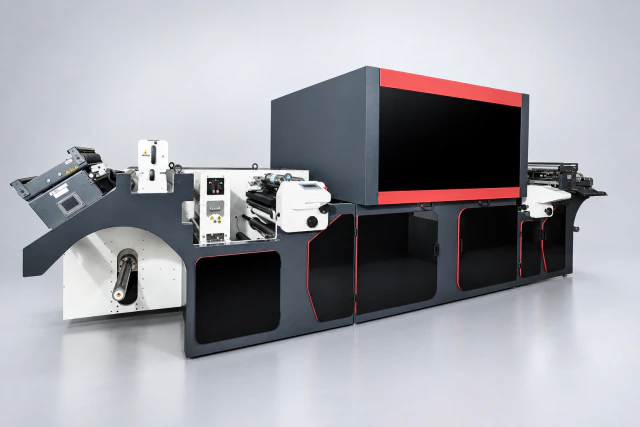
APL describes QuantumJet as a roll-fed, single-pass piezo inkjet platform with flexo capability and selected inline processes. Its product page lists paper, board, PP, PET and metallised materials among the applications, and identifies ink, pretreatment and finishing as material-led configuration questions.
That description is a starting point. Supply the exact material grade and representative samples; a broad material name does not establish compatibility with every surface, ink or finished-pack requirement. Ask APL to confirm the current machine specification and application scope.
Keep web width, print width and finished size separate
Web width describes the material across the roll. Digital print width describes the span available for the digital image. Finished size describes the item after the intended converting steps. These dimensions answer different questions. QuantumJet’s published reference lists web width, digital print width and flexo station width separately; confirm the usable area for each printing stage in the quotation.
Show the complete artwork arrangement across the web: the finished items, spaces between them, bleed and any marks you need. Identify which features must print and which areas can remain clear. Ask APL to confirm the allowable printed envelope and required margins; do not assume the material can be printed to both edges.
Use one annotated job worksheet
Use consistent units and a clearly named artwork revision. The following fields describe your job; they do not assert machine limits.
| Part of the brief | What to supply | What to confirm with APL |
|---|---|---|
| Material | Grade, supplier reference, surface treatment or coating, thickness or grammage, and sample identification. | Ink, treatment and process suitability for that sample. |
| Incoming roll | Web width, roll diameter, core details, winding direction and handling information. | The quoted unwind and transport arrangement. |
| Print layout | Finished dimensions, number of lanes, artwork span, bleed, spaces and reference marks. | The usable printed envelope and alignment requirements for each quoted printing stage. |
| Artwork content | Colour requirements, small details, text, barcodes and any variable elements. | File preparation, proofing and the appropriate evaluation method. |
| Delivered job | Required finished roll or following converting process, acceptance criteria and representative order mix. | Which functions are included, optional or separate. |
Describe inline requirements as tasks to confirm
Write a simple material path: incoming roll → required preparation → digital image → other required printing or finishing → delivered output. Mark every stage as required, preferred or unnecessary. Identify operations already handled elsewhere in your factory.
For example, if the job needs a separate coating, special colour or converting operation, state that requirement and request written confirmation of how it would be handled. The reference to flexo capability does not establish that every requested inline operation, consumable or module is included. Ask the quotation to distinguish the selected equipment from options and external processes.
Make the sample evaluation answer a buying question
Choose a representative production design and a demanding detail from your real work. Explain what the finished item must do and how you will assess it. Relevant observations may include image appearance, small-text legibility, barcode readability and compatibility with the intended downstream process.
Agree the method and acceptance criteria with APL before comparing results. Record the material sample, artwork revision, ink or treatment information supplied for the evaluation and any limitations. A demonstration on another substrate is useful context, but it does not settle the suitability of your specific job.
Frequently asked questions
Can I use the maximum web width as the artwork width?
Do not assume they are interchangeable. Provide the full cross-web layout and ask APL to confirm the printable area, margins and registration requirements for the proposed configuration.
Does a listed material mean every grade is supported?
No. Send the actual grade, surface details and samples so ink, treatment and finished-use requirements can be assessed together.
What should I send before requesting a quotation?
Send the completed worksheet, annotated artwork, representative material and a short list of required inline tasks through the APL application enquiry. Request confirmation of the current specification, included modules and evaluation scope.
Sources and further reading
These sources support the product information in this guide. APL assesses the final application, samples and configuration during a technical discussion.